
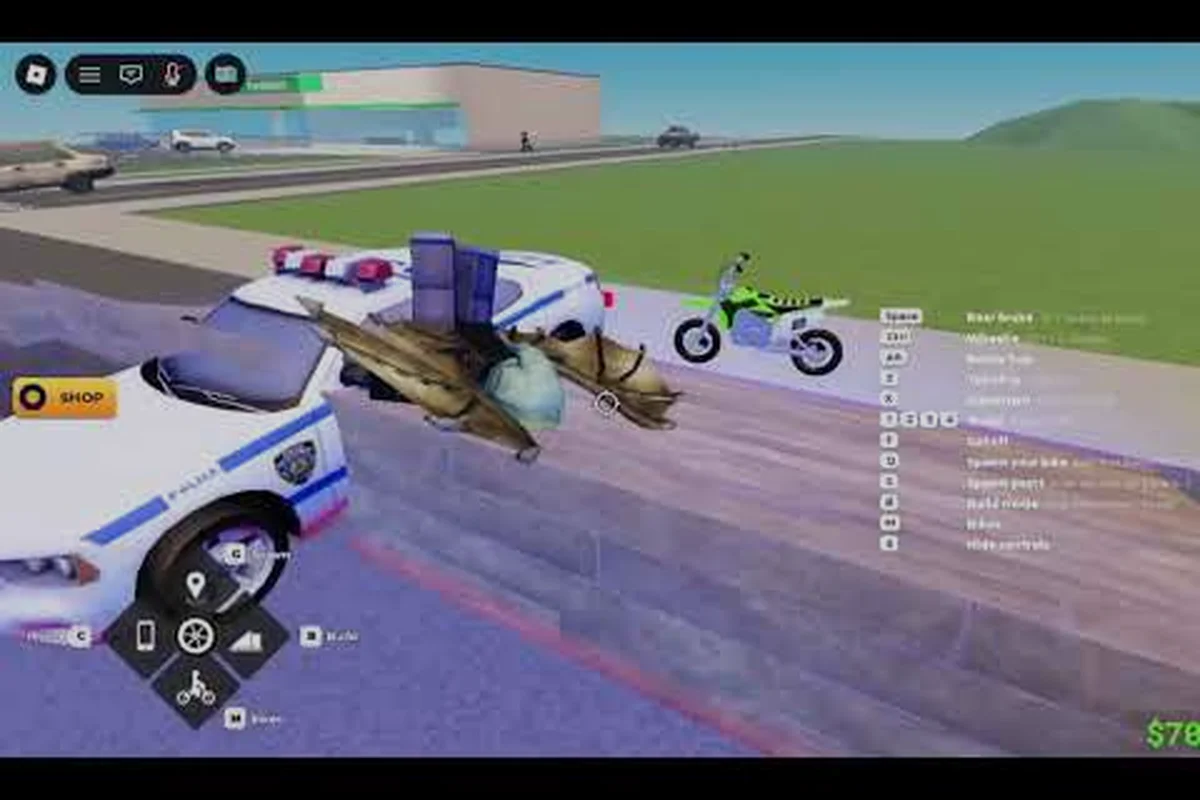
A Bike Universe private server gives your crew a closed arena to ride, race, and run events without randoms joining in, and right now it's the cleanest way to manage group sessions while the public population sits around 48,900 active players across all instances. The game's standard server cap tops out at 20 riders per lobby, so private sessions are the practical answer once your group passes the friend-list threshold or you want a controlled space for fan art shows, community cruises, and scheduled meetups.
What a Bike Universe Private Server Actually Does
A private server in Bike Universe is a Roblox-hosted instance you can lock down to invited players only, which removes the randomness of public matchmaking and lets you shape the session around your group's goals. The official game page confirms the standard 20-player cap that applies to private and public instances alike, so you're working inside the same upper ceiling either way — private just gives you a way to actually fill that room with people you choose.
How Private Servers Differ From Public Lobbies
Public servers auto-fill from the global matchmaking pool, meaning online players in Bike Universe may or may not land in the same instance as your friends. Private servers use a code-based invite system: the host generates a server code, shares it, and only players with that code can enter. This is how rideout groups, content creators, and community event runners keep their participants together without spending the first ten minutes of every session hunting each other across the map.
| Feature | Public Server | Private Server |
|---|---|---|
| Player cap | 20 | 20 |
| Access | Open matchmaking | Code-locked invite only |
| Kick/ban controls | None | Host-controlled |
| Best use | Casual riding, grinding cash | Events, content recording, friend groups |
| Robux cost | Free | Monthly subscription (Roblox-tier pricing) |
Why Server Capacity Matters for Your Plans
The 20-player ceiling shapes what a private server can actually host. A small friend cruise fills the room comfortably, but the moment you try to run a larger community event — a fan art showcase, a cruise parade, a race bracket — you'll hit the cap and have to start turning people away or splitting the group. Plan your event headcount against that limit before you send out the invites, and always leave two or three slots open for late arrivals or helpers who need to bounce between groups.
Reading Bike Universe Active Players and Player Count Data
The player count number on the official Bike Universe game page is the single best live signal for how busy the game is right now, and right now it sits at 48.9K active players on a late-September 2026 snapshot. The same snapshot reports 13.1M+ total visits and 38K+ favorites, so the active-to-favorite ratio is roughly 1.3 active players per favorite — a healthy engagement number for a Roblox vehicle sim at this stage.
What the Numbers Mean for Private Server Demand
A higher bike universe player count on a given day means more people are in public lobbies, which means more competition for the same set of server slots. From a private server perspective, this actually works in your favor: when public servers are packed, friend groups are far more motivated to spin up a private instance rather than try to coordinate a meetup across random public lobbies. The "busier the day, the more useful a private server becomes" pattern is consistent across Roblox games, and Bike Universe follows it.
| Metric | Value (late-Sept 2026) | What It Tells You |
|---|---|---|
| Active players | 48.9K | Game is healthy; public servers fill quickly |
| Total visits | 13.1M+ | Strong long-term retention, not a flash hit |
| Favorites | 38K+ | Roughly 1.3 active players per favorite |
| Max players per server | 20 | Hard cap on private and public instances |
Cross-Checking Player Count Across Sources
The official Roblox page is your ground-truth source for the live bike universe online players number, and that's the figure to quote when planning events. Community-run trackers and third-party stats sites can give you a moving average over time, but they lag the official counter by minutes to hours. For event planning, always anchor your estimate to the official number and then build in a buffer for time-of-day swings — the population tends to drop overnight in US time zones and spike in the late afternoon and evening.
Bike Universe Server Codes: Generating, Sharing, and Joining
A bike universe server code is the short alphanumeric string the game generates when a host creates a private instance, and it's the only way to invite other riders into a locked room. Roblox handles the code generation under the hood; you don't pick it yourself. The host's job is to copy the code, share it through whatever channel the group is using, and manage who's coming in.
Step-by-Step: Hosting a Private Server
-
Open Bike Universe and let it load into a public lobby.
-
Click the server list icon (usually near the play menu) and look for the "Create Private Server" option.
-
Confirm the monthly Robux subscription and name the server so your friends can spot it in their invite list.
-
Once the private instance loads, copy the generated server code from the game UI.
-
Share that code in your group chat, Discord, or wherever your rideout coordinates.
-
Use the in-game kick controls if someone joins who shouldn't be there.
Step-by-Step: Joining a Private Server With a Code
-
Ask the host for the bike universe server code — make sure they copy the full string, not just part of it.
-
Open Bike Universe from the official Roblox page or your library.
-
Click the server list and select "Join with Code" (or the equivalent prompt in the current build).
-
Paste the code, confirm, and the game will drop you into the host's private instance.
-
If the server is full (20/20), you'll get a full-room error and need to wait for a slot or ask the host to clear space.
Common Code-Sharing Mistakes
The most common reason a server code fails to connect is a single missing or extra character — these strings are case-sensitive and the auto-format doesn't tolerate typos. The second most common reason is the host being in a different region or version build, which can occasionally cause the code to route to a stale instance. If the code doesn't work on the first try, ask the host to regenerate and resend rather than guessing at corrections. Server codes also expire if the host closes the instance, so don't share a code hours ahead of an event and expect it to still be live when the start time rolls around.
Bike Universe Community Events on Private Servers
A private server is the natural venue for any bike universe community event that needs coordination, and the format you pick depends on what your group actually wants to do. Most recurring community events fall into three buckets: social cruises, race brackets, and showcase sessions (fan art drops, custom livery reveals, group photos).
Players looking for an official reference point can confirm the title, current active player count, and recent updates on the official Bike Universe page on Roblox.
Event Formats That Work in a 20-Slot Room
| Format | Headcount Sweet Spot | Time Length | Private Server Required? |
|---|---|---|---|
| Casual friend cruise | 4–10 riders | 30–60 min | Recommended |
| Race bracket (single-elim) | 8–16 riders | 45–90 min | Yes |
| Fan art showcase | 5–15 riders + spectators | 30 min | Recommended |
| Livery reveal parade | 6–12 riders | 20–40 min | Yes |
| Group photo session | 4–8 riders | 15–30 min | Recommended |
Hosting a Fan Art Show
Fan art is one of the strongest recurring formats for private sessions because it scales down to a small group without losing the community feel. The host kicks off the cruise at a recognizable landmark on the Bike Universe map, drops the fan art in the in-game chat or pins it to the screen using Roblox's creator tools, and lets the group cruise together while reacting. Because the server is locked, the chat isn't getting spammed by randoms and the artists actually get feedback from the people they drew for. If you want a reference walkthrough on the game's social layer and voice chat features, our community tips guide covers the chat and meetup basics in more depth.
Scheduling a Race Bracket
Race brackets need the most structure of any private server event because the host is running a competition on top of just holding the lobby. Pin a start time, decide the bracket format ahead of time (single-elim works best at 8–16 riders), and assign one person as the race caller so the bracket doesn't stall on disputes. The 20-slot cap means a full 16-rider bracket leaves only four slots for spectators and the host — that's tight, so consider running a two-tier event with racers in one private server and a parallel spectator server if your group runs that big.
Building a Bigger Bike Universe Fan Art Community
Bike universe fan art doesn't stay in private servers — the most successful fan art scenes grow out of private sessions and then spread to public showcases, Reddit threads, and the official group. The official Bike Universe Roblox group, which sits at roughly 64,969 members as of the October 2026 snapshot, is the developer's main announcement channel, and it's also where fan art drops tend to land first.
Where Fan Art Actually Gets Seen
| Channel | Audience Size | Best For | Posting Frequency |
|---|---|---|---|
| Official Roblox group | ~65K members | Major reveal pieces, contest entries | Weekly to monthly |
| Subreddit (r/Roonby and related) | Smaller, niche | Process shots, WIPs, casual pieces | Anytime |
| In-game private shows | Your group only | Live feedback, group reveals | Per session |
| YouTube/community Discords | Variable | Long-form art, animations | Per piece |
Pitching Fan Art in a Private Server Without Killing the Vibe
The trick to running a fan art session that doesn't disrupt the rest of the cruise is to anchor the art drops to natural pause points — at the top of a hill, at a photo landmark, or after a race bracket finishes. Riders are already stopped, the cameras are out anyway, and the chat is naturally quiet. Drop the art link or image then, and the group gets a focused reaction window before everyone throttles back up to riding. Trying to push fan art into the middle of a fast cruise just means nobody's looking at it.
Picking the Right Roblox Group and Community Channels
The official group (ID 1023905242, run by owner FJJWolfie3) is the first place to join if you want to stay current on Bike Universe announcements, but it's not the only channel that matters. The community has organized itself across multiple platforms, and the right mix depends on what kind of participation you actually want.
Channel-by-Channel Breakdown
| Channel | Purpose | Activity Level | Best For |
|---|---|---|---|
| Official Roblox group | Dev announcements | Moderate | Patch notes, events, official contests |
| Subreddit r/Roonby | Community guides, art | Light to moderate | Long-form discussion, money-making guides |
| Third-party Discords | Real-time chat | High | Rideout coordination, voice chat during sessions |
| YouTube creators (e.g. ItzVexo, VendoPlus) | Video guides | Weekly updates | Visual learners, money routes |
| In-game group rides | Active play | Daily | Meeting riders, testing private server formats |
Why the Group Page Matters for Private Server Hosts
The group page doubles as a discovery layer — if you're hosting regular private server events, posting a schedule or recap to the official group is the fastest way to attract new regulars. The group is where announcements about server-side changes land first, and historically that's where any change to the 20-player cap or the private server pricing tier would surface. Bookmark the group and check it before planning a big event so you're working with current rules, not last month's.
Practical Hosting Tips From Community Reports
Community-run sessions, especially the ones that happen weekly, tend to converge on a handful of patterns that work better than reinventing the format every time. According to community data and player reports, these are the habits that separate a one-off private server from a recurring event with regulars.
Pre-Event Checklist
| Timing | Action | Why |
|---|---|---|
| 24 hours out | Post the event in your group channel | Gives people time to plan around it |
| 1 hour out | Send the server code | Latecomers still have a window to join |
| 15 minutes out | Host enters the private instance early | Verifies the server loaded correctly |
| Event start | Lock entry to regulars | Keeps the room from filling with randoms |
| Post-event | Drop a recap in the group | Builds the social loop for next time |
Handling No-Shows and Late Arrivals
The 20-slot cap means no-shows are a real cost — a chair held for a friend who doesn't show is a slot a regular could have used. Set a "door closes 5 minutes after start" rule for big events and rotate waitlisted riders in as soon as a slot opens. For casual cruises, leave 2–3 slots open until the 15-minute mark and then either release them to randoms via a public tie-in or keep them as breathing room for the group. The exact call depends on how your community reads the social norms around invite lists.
Frequently Asked Questions
How much does a Bike Universe private server cost?
The game follows Roblox's standard private server pricing model, which is a monthly Robux subscription. The exact rate can shift with Roblox-wide pricing updates, so check the in-game "Create Private Server" prompt for the current number before you commit. Community reports put the tier in line with other mid-popular Roblox vehicle sims, but always confirm at the moment of purchase.
Can I run a private server on console or tablet?
Yes. The cross-platform private server guide covers the controller and touch-screen quirks, but the short version is that private server access on console and tablet goes through the same Roblox account system, so as long as your account has the active subscription you can host or join from any supported device.
How many people can join my private server at once?
The cap is 20 players per instance — the same as public servers. This applies whether the room is private or public, so a private server doesn't give you extra slots, it just gives you control over who fills them. For a deeper breakdown of how the player cap shapes your plans, our what to do first guide covers the early-game headcount reality.
What happens if the active player count drops while my event is running?
Private server sessions are insulated from the public bike universe active players number — your room keeps running as long as the host's subscription is active and the people inside stay connected. The public count matters most for finding randoms to invite and for judging whether the wider community is online to see your recap post after the event ends.
Where do I find the server code after creating a private server?
The server code is generated when the private instance spins up, and it's visible in the game's server list UI next to your server's name. Copy it from there, don't try to type it manually, because the strings are long enough that manual transcription almost always introduces an error that breaks the join link. Share it through your group's normal channel (Discord, group chat, in-game message) and you're set.